Canva Labels Made Print-Ready

Designed Your Label in Canva? We’ll Make It Print-Ready.

Your Canva design may look great on screen, but commercial printers often need more. We professionally prepare your label for production by checking bleed, sizing, resolution, color, dielines, safe zones, fonts, and printer specifications.

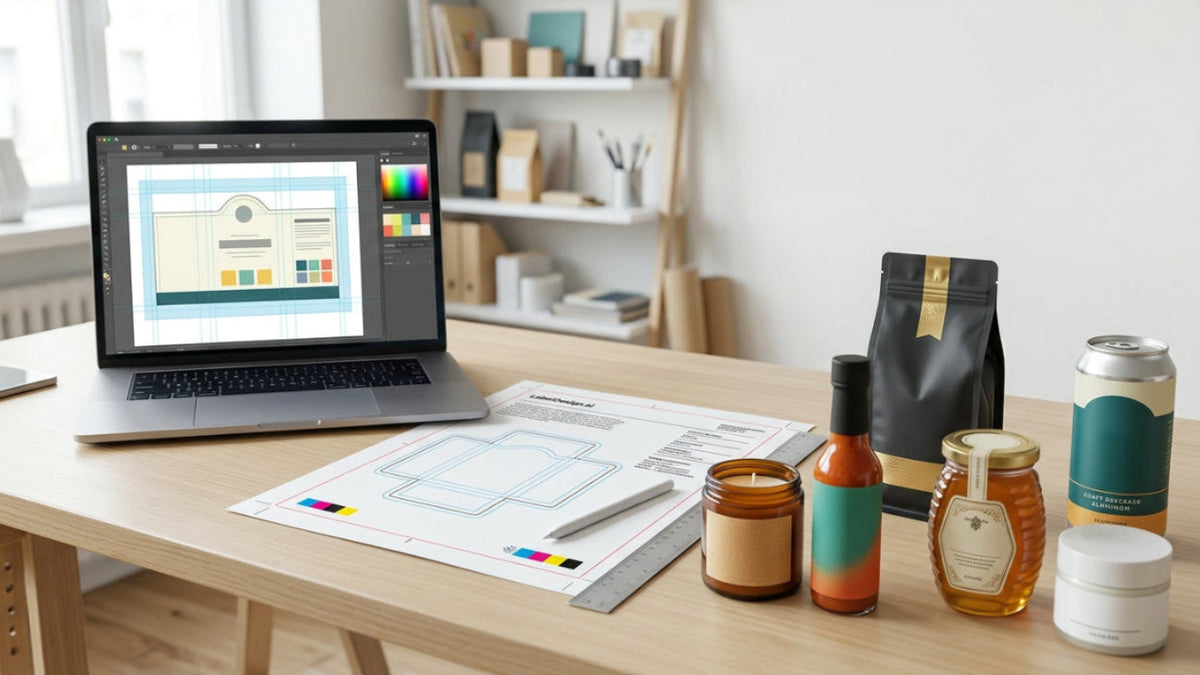
Product label design on screen beside print proofs, dielines, color swatches, and finished labeled packaging prepared for professional printing. Product label design on screen beside print proofs, dielines, color swatches, and finished labeled packaging prepared for professional printing.

Canva label print-ready service benefits

Canva File Cleanup From $49

Canva File Cleanup From $49

We professionally prepare your existing Canva label file for commercial printing.

Bleed & Dieline Checks

Bleed & Dieline Checks

We review trim, safe zones, bleed, sizing, and dieline setup for production.

Color & Resolution Review

Color & Resolution Review

We check image quality, color setup, and artwork resolution before your file goes to print.

Professional Print-Ready Files

Professional Print-Ready Files

Receive polished artwork prepared to meet your printer’s production requirements.

CANVA-TO-PRINT LABEL PREP

From DIY Canva Design to Professional Print-Ready Artwork

Canva is a great tool for creating label concepts, but commercial printers often require more than a visually finished design. Bleed, trim, resolution, color setup, dielines, safe zones, and production specifications can all affect how your label actually prints.

Our designers review and refine your existing Canva artwork so it is properly prepared for professional production—without forcing you to start over.

Designed in Canva. Ready for Print.
WHAT WE CAN HELP WITH

Professional Canva Label Support From File Cleanup to Print

Whether your Canva label needs a quick production fix, a more thorough cleanup, or help turning one design into a polished product line, choose the service that best fits your project.

Fix My Canva Label for Print

We correct common print-production issues like bleed, trim, sizing, resolution, safe zones, and dieline setup so your file is ready for your printer.

Make My Label Print-Ready

Refine & Improve My Existing Label

Need more than technical cleanup? We can improve layout, typography, readability, spacing, color, or other design details while keeping your original concept intact.

Improve My Existing Label

Turn One Label Into a Product Line

Already have one Canva label you like? We can help create a consistent system for additional flavors, scents, sizes, SKUs, or product variations.
Build My Label Collection
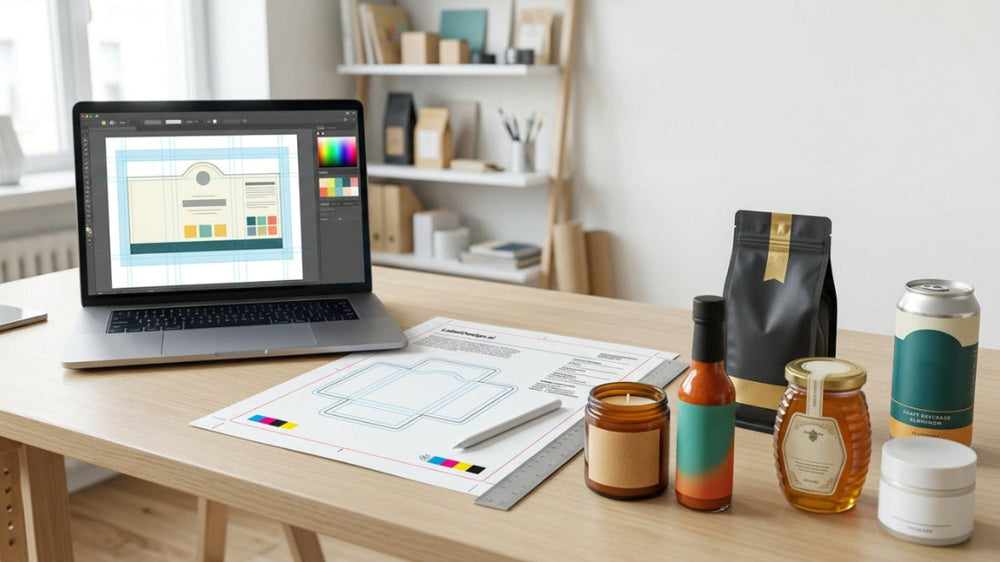
Canva label artwork beside print proofs, dielines, color swatches, and finished product packaging prepared for professional printing.Canva label artwork beside print proofs, dielines, color swatches, and finished product packaging prepared for professional printing.

WHAT WE CHECK BEFORE PRINTING

Already Designed Your Label in Canva?

Canva is a great place to create your label, but commercial printers often require more than a finished-looking design. We review the technical details that affect production quality and prepare your artwork so it is ready for professional printing.

  • Correct label dimensions
  • Bleed and safe-area setup
  • Dieline alignment
  • Image resolution review
  • Color & print setup
  • Typography & spacing refinement
  • Barcode / required content placement
  • Print-ready file preparation
Make My Label Print-Ready
Common Challenges

Common Canva Label Problems We Can Help Solve

A label can look finished on screen and still cause problems at the printer. We help identify and correct the most common production issues before they become expensive printing mistakes.
Our Process

A Simple Four-Step Canva-to-Print Process

From your existing Canva file to final print-ready artwork, we keep the process simple, clear, and focused on getting your label ready for production.
SERVICE OPTIONS

Choose the Level of Label Support You Need

Whether you only need a technical file cleanup, want help improving your existing design, or need a completely new label, choose the option that best fits your project.

Existing Label Edits

Starting at $49

Best for labels that already exist but need updates, corrections, or small design improvements before printing.

  • Text, color, and sizing updates
  • Ingredient or barcode changes
  • Layout and spacing refinements
  • Print-ready file preparation
Edit My Existing Label

Custom Label Design

Starting at $99

Best for new products, launches, or brands that need a professionally designed label from the ground up.

  • New custom label direction
  • Designer-led development
  • Print-ready final artwork
  • Support for additional SKUs or product variations
Start a New Design
CANVA-TO-PRINT FAQS

Frequently Asked Questions About Canva Label Printing

Find answers about Canva files, print-ready artwork, bleed, sizing, color, revisions, printer requirements, and professional label preparation.

Yes. We can review your existing Canva label file and prepare it for professional printing by checking sizing, bleed, safe areas, resolution, color setup, dielines, typography, and other production details.

Send the highest-quality export available, ideally a PDF Print file when appropriate. If your printer has specific file requirements, include those as well so we can prepare the artwork correctly.

Yes. We can correct common production issues such as incorrect dimensions, missing bleed, safe-area problems, and dieline alignment.

Yes. If your label needs more than technical cleanup, we can refine typography, spacing, layout, readability, color, and other design details while keeping your original concept.

Yes. If you provide your printer’s specifications or dieline, we can prepare the file around those production requirements.

Not always. Screens use RGB light while many commercial printing processes use CMYK or other print color systems. We review the artwork and help prepare it for more predictable print results.

Yes. We can prepare Canva label artwork for products such as food, beverages, candles, coffee, honey, hot sauce, maple products, skincare, soap, and other packaged goods.

Canva and existing-artwork cleanup starts at $49. More involved design changes or complete custom label design may be priced differently depending on the project.

Yes. Once the artwork is approved, we prepare the final file for professional printing based on the project requirements.

If the artwork needs more extensive design work, we can recommend an existing-label edit or a full custom label design instead of forcing a file cleanup that will not produce a strong result.

READY TO GET YOUR CANVA LABEL PRINT-READY?

Turn Your Canva Label Into Professional Print-Ready Artwork

Upload your existing label and we’ll prepare it for professional printing—starting at $49. Need more than a cleanup? We can also refine your design or create a new label from scratch.